Air Filter Differential Pressure Monitoring
Change filters when condition calls for it.
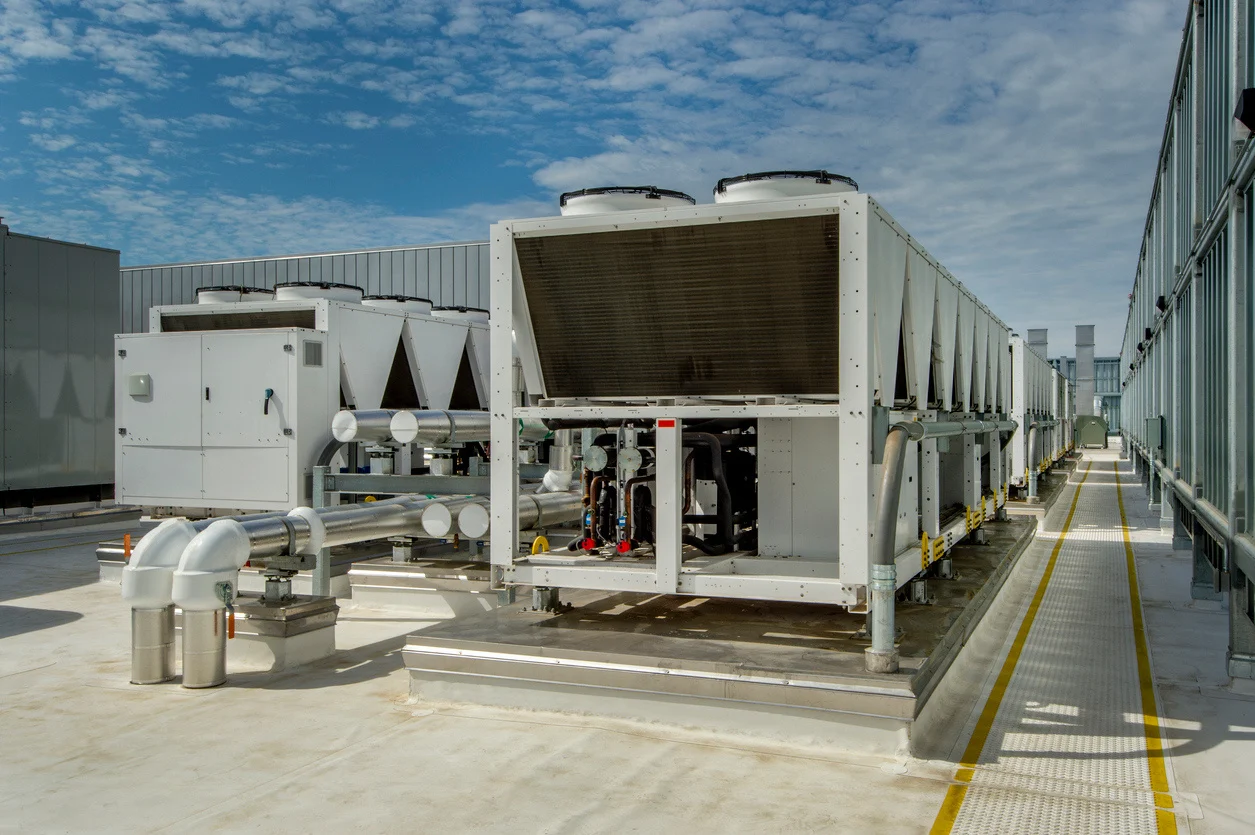
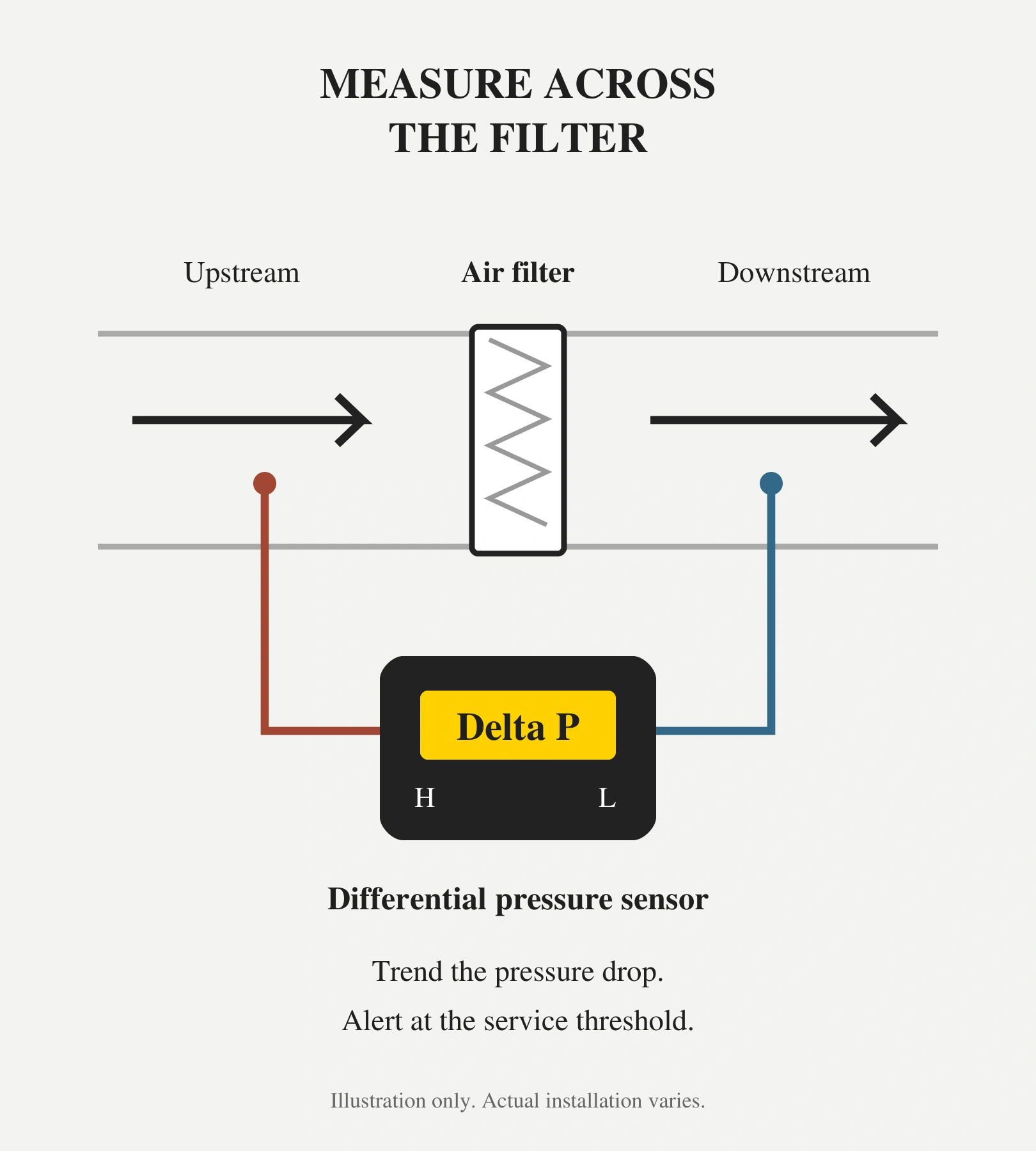
Illustrative rooftop equipment photo from the existing UptimeIQ HVAC application sheet. Filter pressure diagram by UptimeIQ; installation details vary by equipment.
Change filters when condition calls for it.
RTUs and data center air-handling systems can have very different filter-loading rates. Calendar-based replacement may discard filters with usable capacity, while delayed service can leave a loaded filter restricting airflow. Manual gauge checks also leave gaps between inspections. Teams need a clear, shared view of filter condition so service follows the needs of each unit.
The UptimeIQ solution
Banner differential pressure sensors measure the pressure difference between the upstream and downstream sides of an air filter. UptimeIQ brings those readings into custom cloud or on-premise dashboards. A clean-filter baseline and appropriate service threshold help teams track loading, anticipate maintenance, and receive an alert when the configured changeout condition is reached. Wired or wireless options support existing RTUs and data center air-handling equipment. Pressure trends are reviewed at comparable airflow or fan operating conditions.
From pressure drop to a service decision.
- Establish the baseline. Record the clean filter’s pressure drop under a known fan or airflow condition.
- Trend the change. Compare readings at equivalent operating conditions to follow increasing restriction and anticipate when maintenance may be needed.
- Set the alert. Agree on a service threshold for the filter and equipment, using manufacturer guidance and site requirements.
- Act on condition. Inspect and arrange replacement when the service alert is received; reset the baseline after the change.
One approach. Two important applications.
Rooftop units
Bring distributed units into a shared view. Prioritize roof visits and avoid replacing every filter simply because another unit needs service.
Data centers
Track filter condition across air-handling and cooling units, with asset-specific alerts that support coordinated maintenance planning.
Make the cost of early changes visible.
If 100 filters each cost $40 to supply and change, avoiding one unnecessary replacement per filter represents $4,000 in gross avoided cost. These are example assumptions, not measured customer results; monitoring costs and other effects are excluded.
Pressure trends can help anticipate the next service point. A reliable estimate of time remaining requires suitable operating history and validation; the sensor alone does not guarantee a remaining-life prediction. Pressure drop indicates restriction, rather than a direct measurement of filtration efficiency.
Follow manufacturer maximum service intervals and site maintenance requirements, including inspection for damaged or wet filters. A pressure alert supports the replacement decision alongside these checks.
Technical reference: Banner Engineering — Air Filter Monitoring · QM42-DPS sensor family.
What the application delivers
- Avoid premature filter replacements and associated labor
- Receive alerts when the configured service threshold is reached
- Use pressure trends to anticipate filter maintenance
- Prioritize service across RTUs and data center cooling units
Use a condition-based alert to trigger filter inspection and replacement planning, while observing manufacturer limits and site requirements. Savings depend on filter cost, loading, labor, and the existing replacement schedule.
What would you like to monitor?
Tell us about your equipment, location, and the information your team needs.